Their phone is the buzzer.
Customers scan a code at your counter. When the kitchen taps Ready, their own phone rings. No pagers to buy, charge or lose, and no app to download.
14 days free · No card needed · Cancel any time
How it works
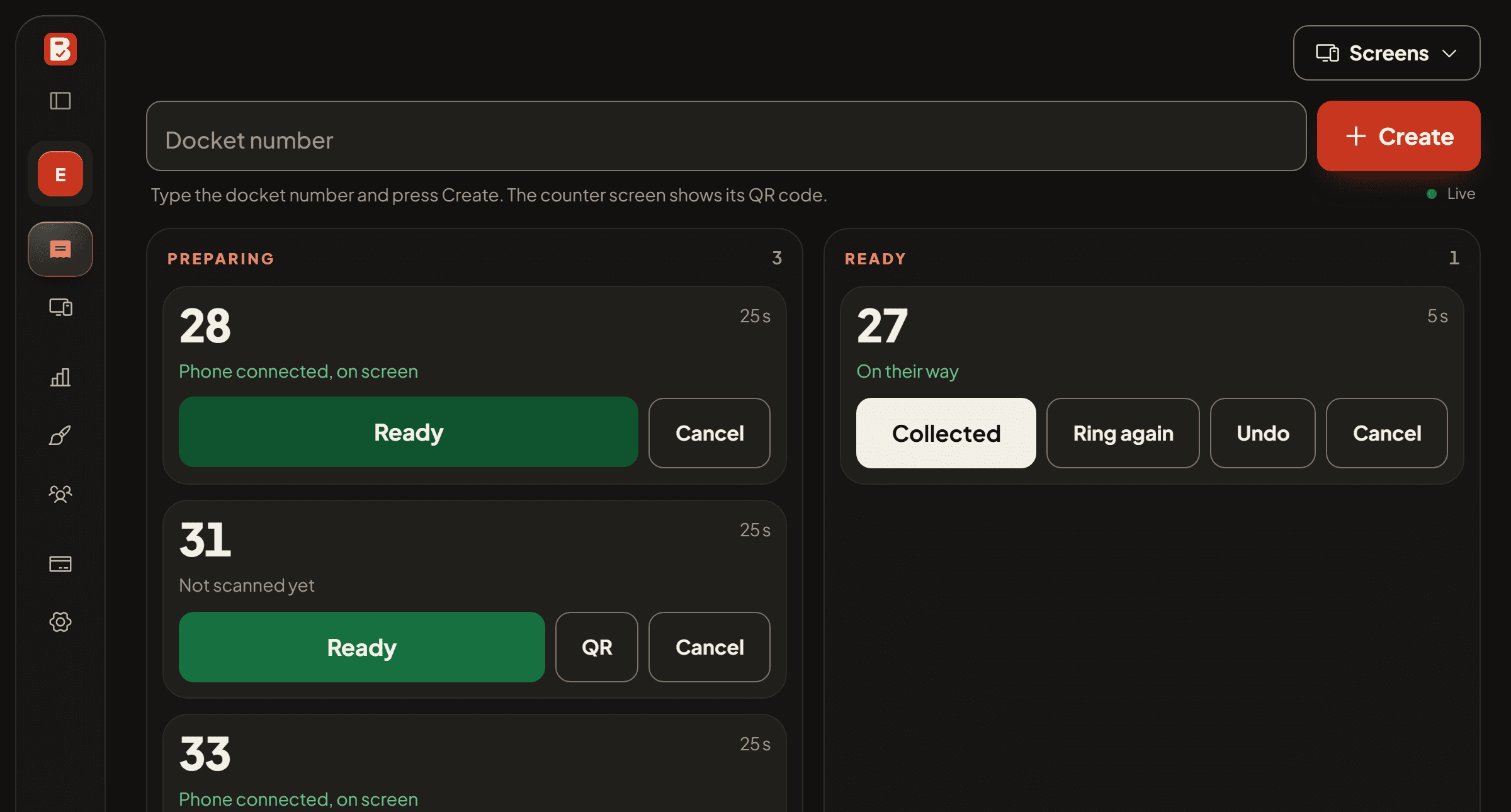
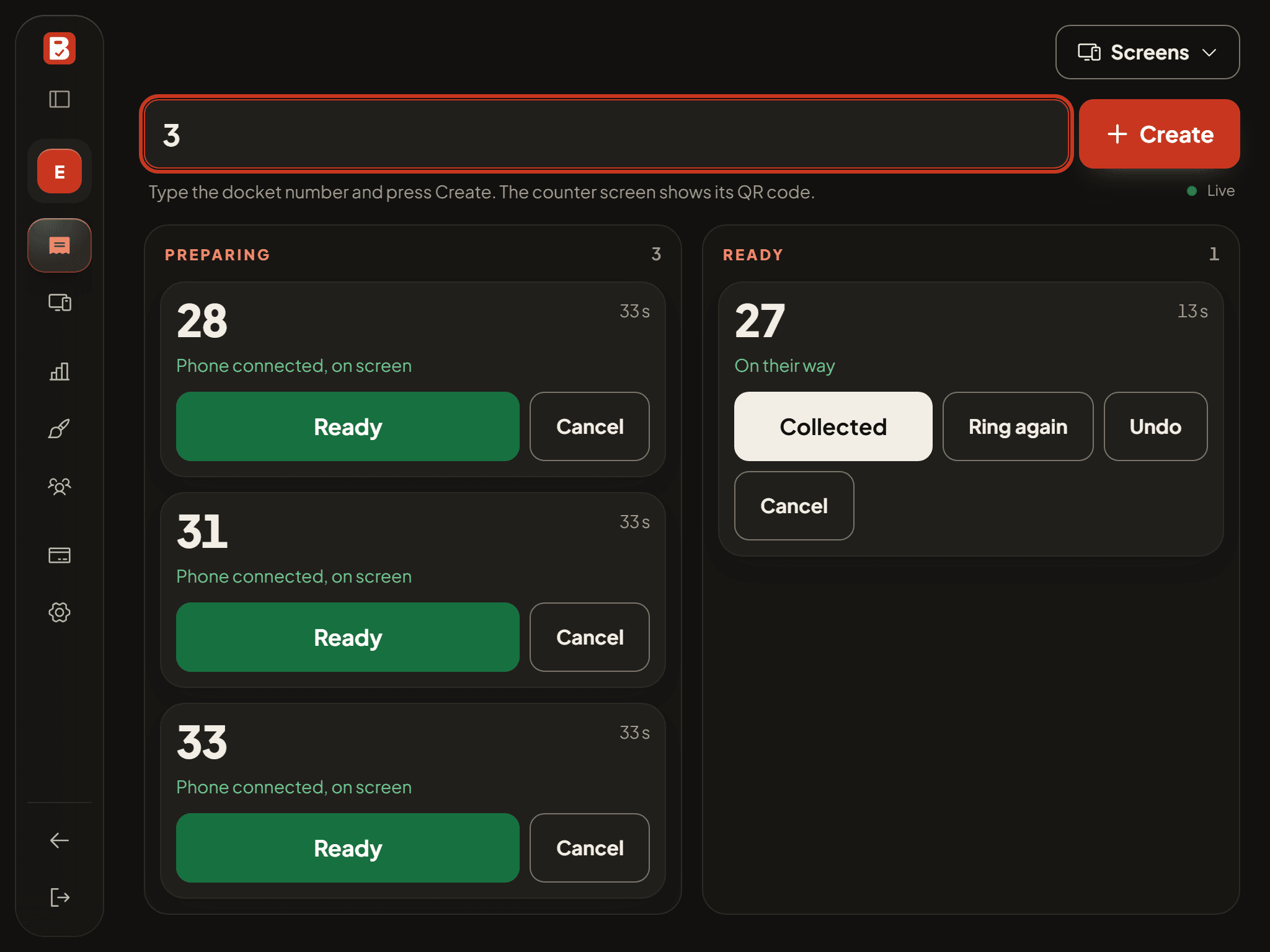
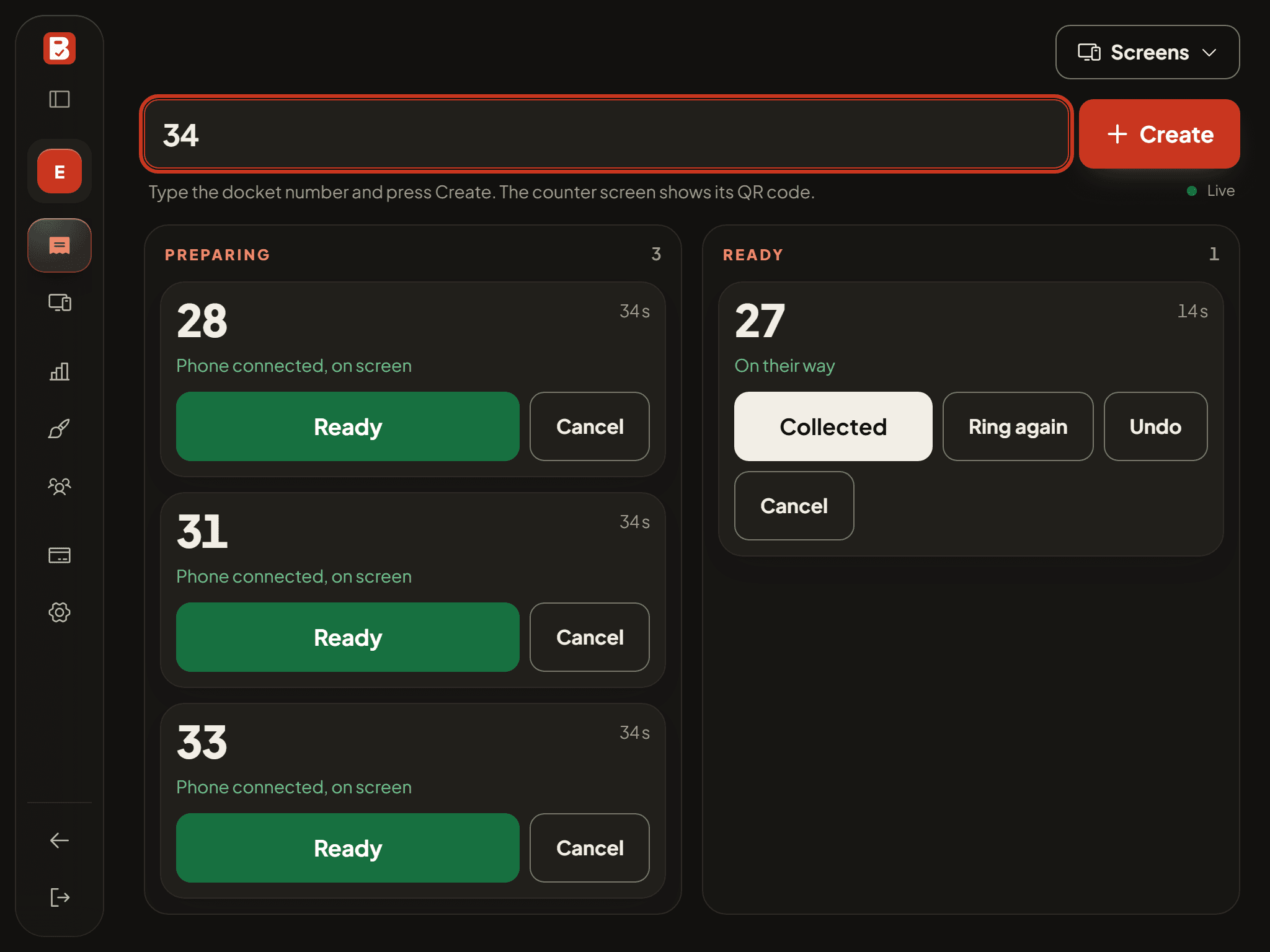
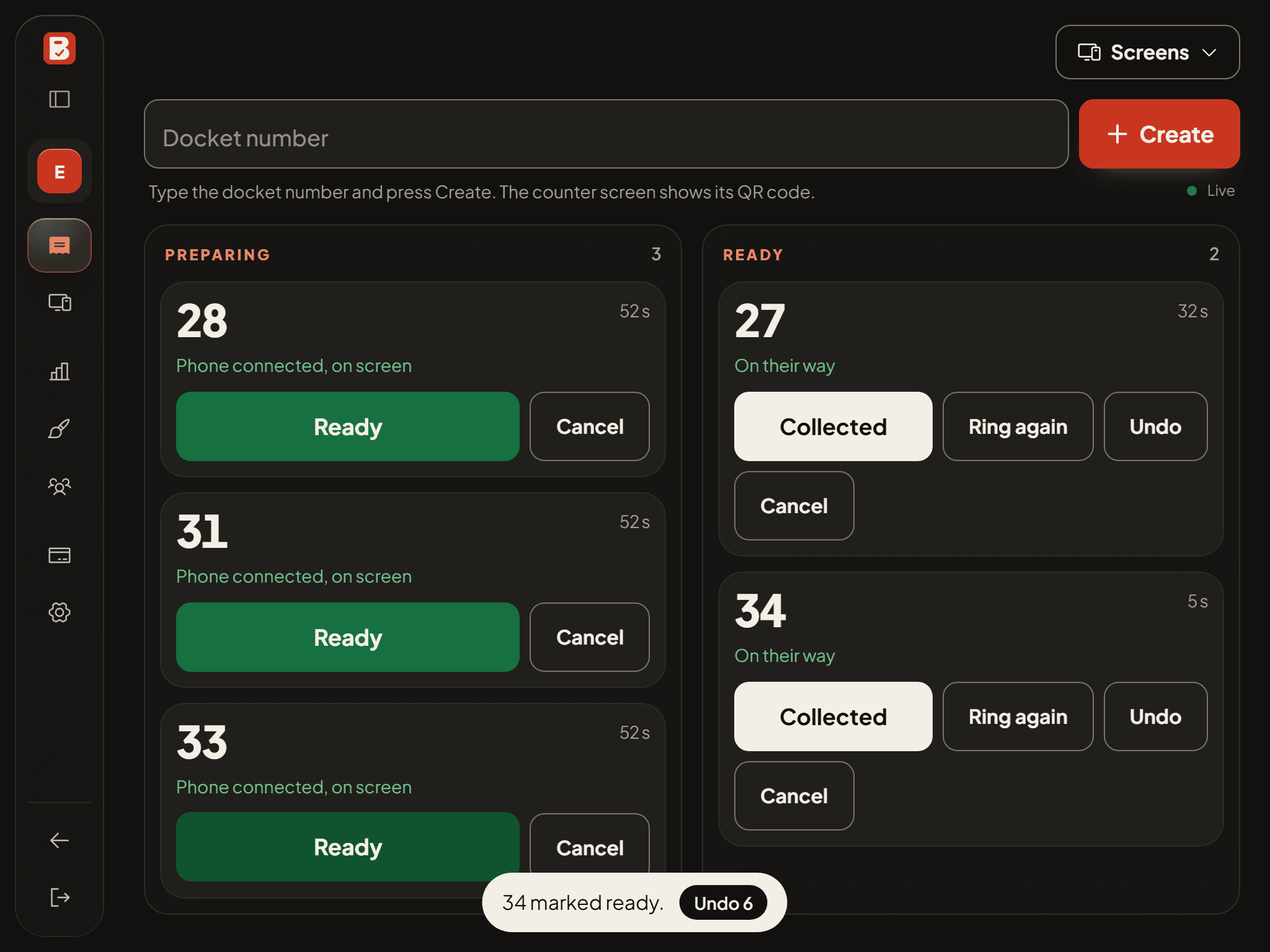
Type the docket number
Staff type the number off the receipt, on the tablet you already have. Any POS works.
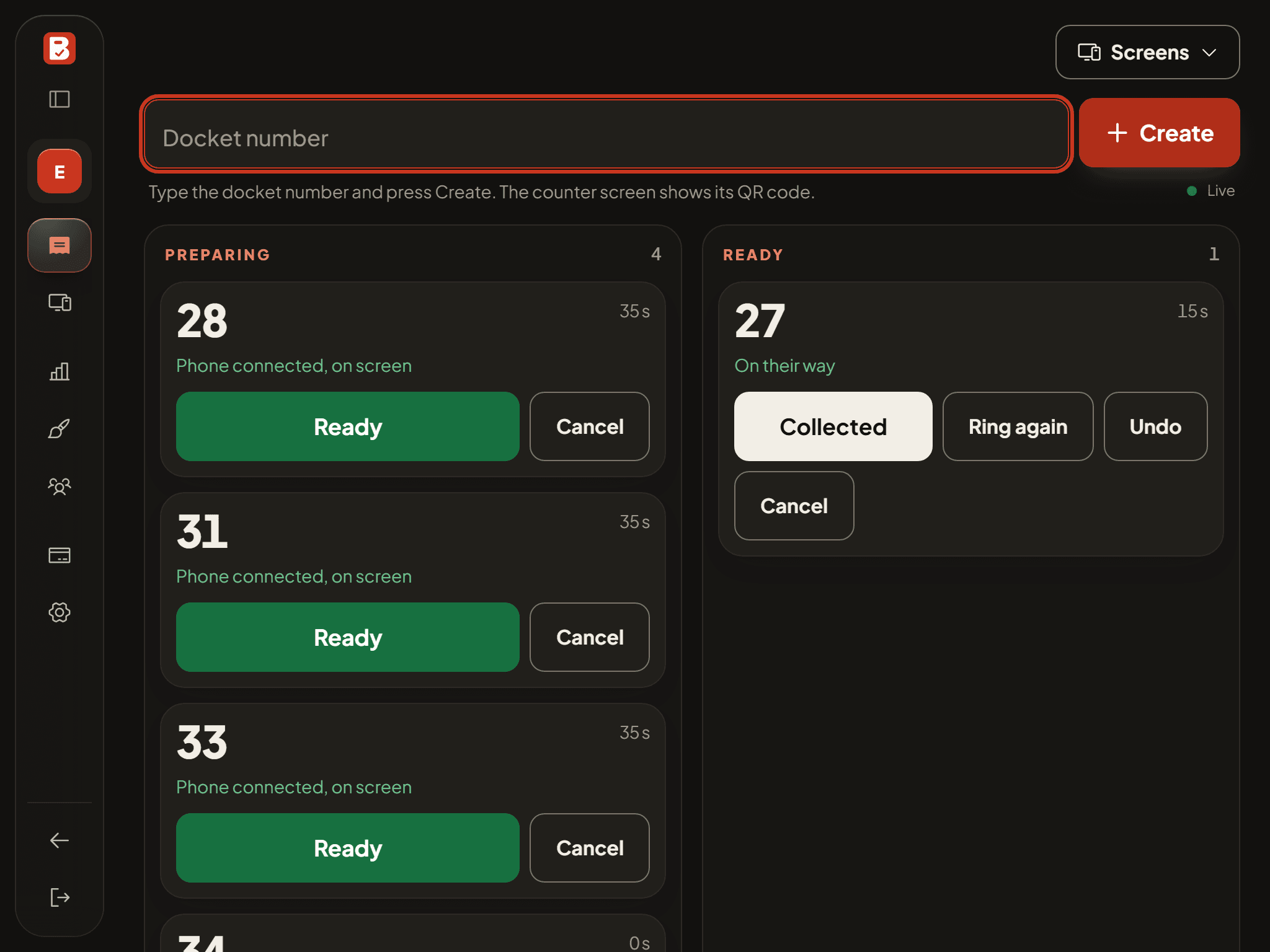
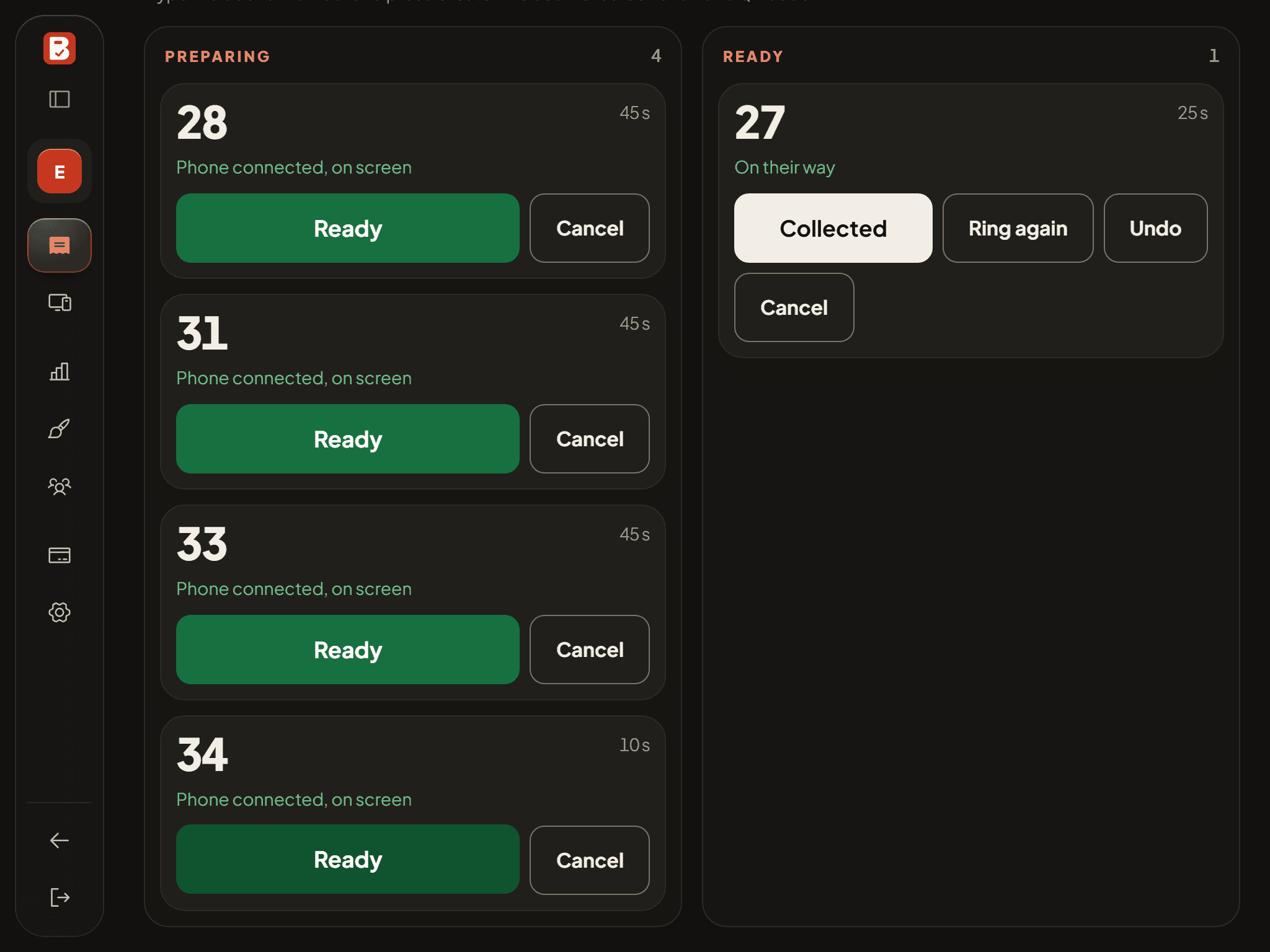
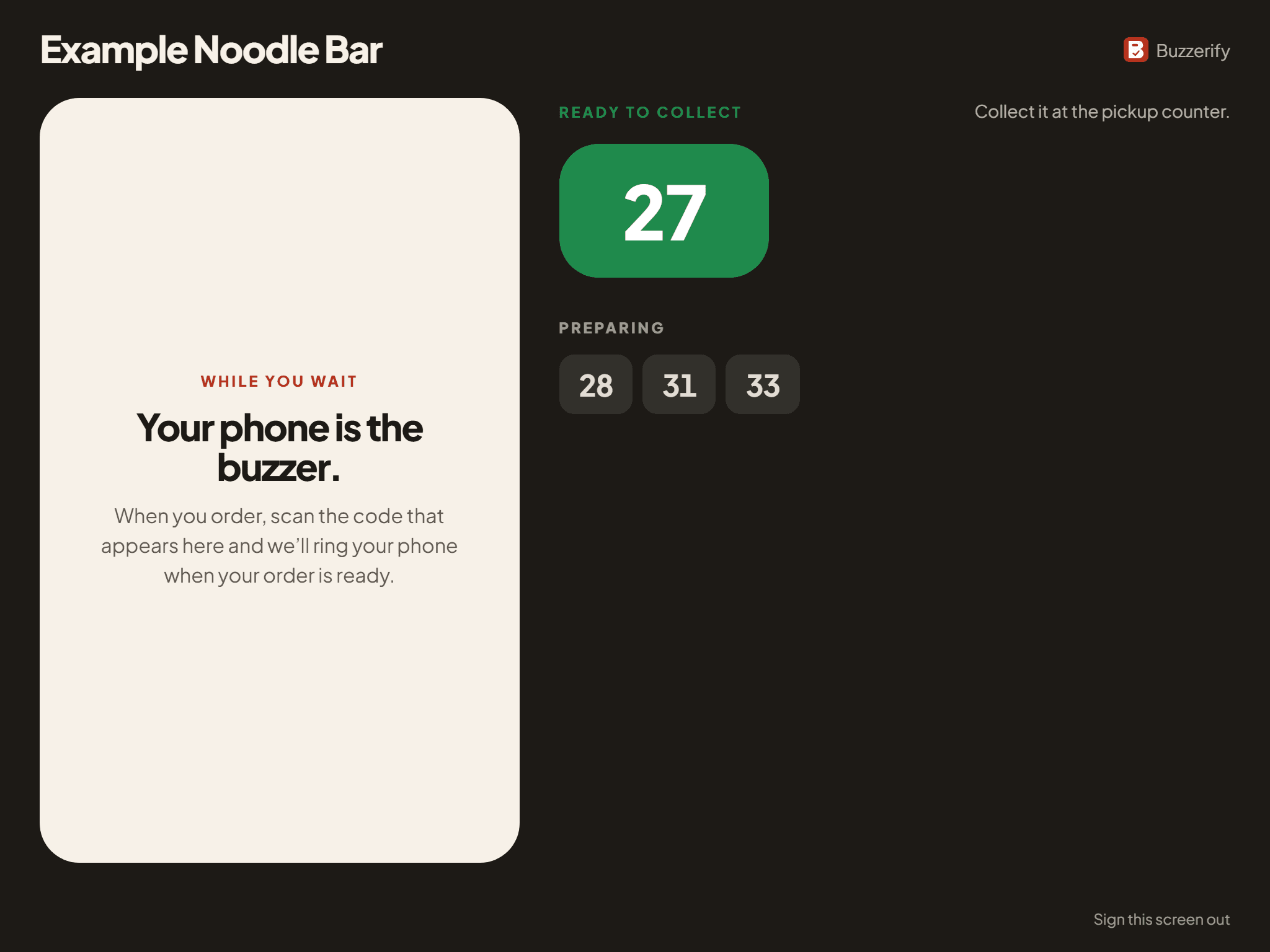
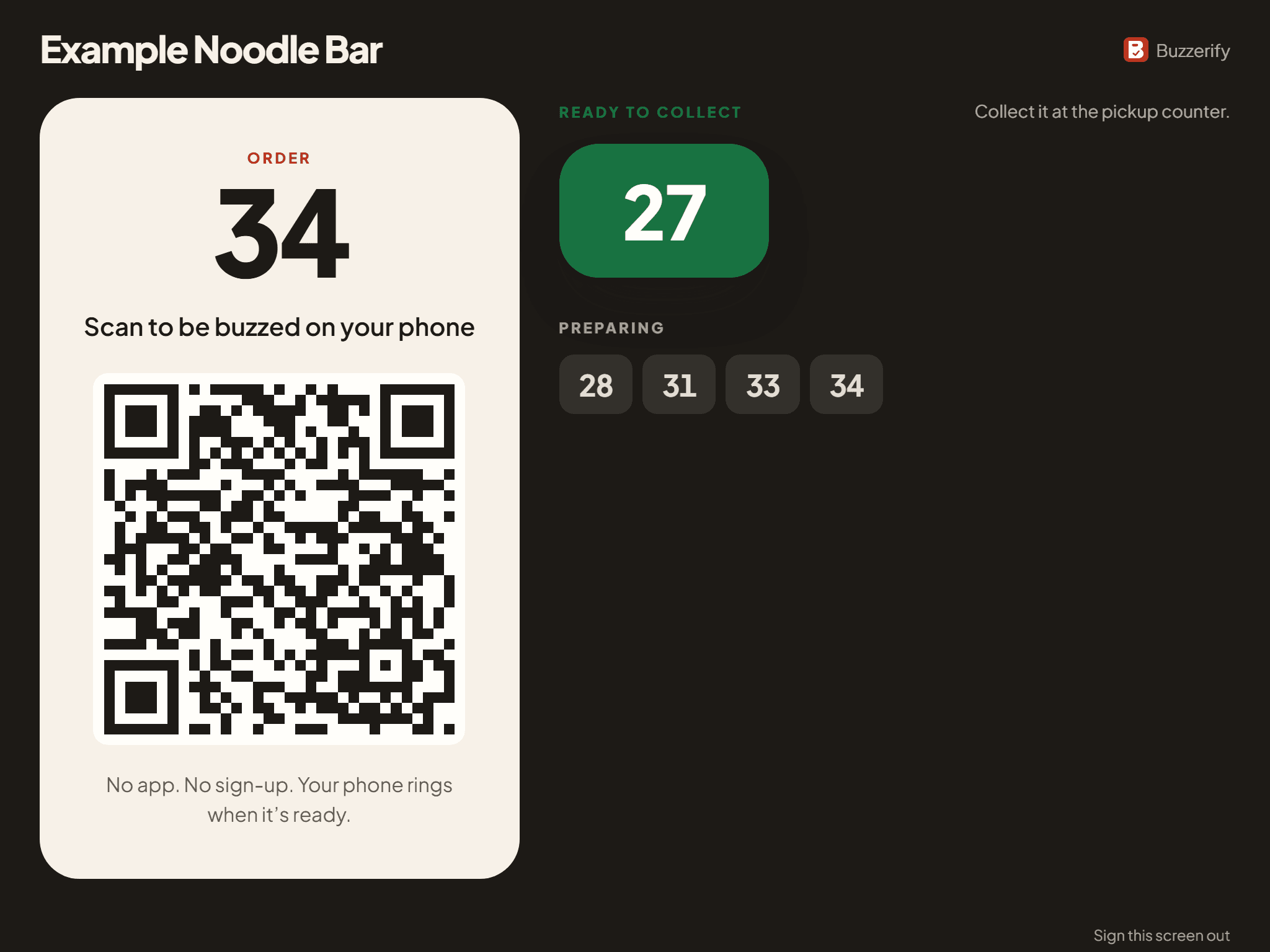
The customer scans the code
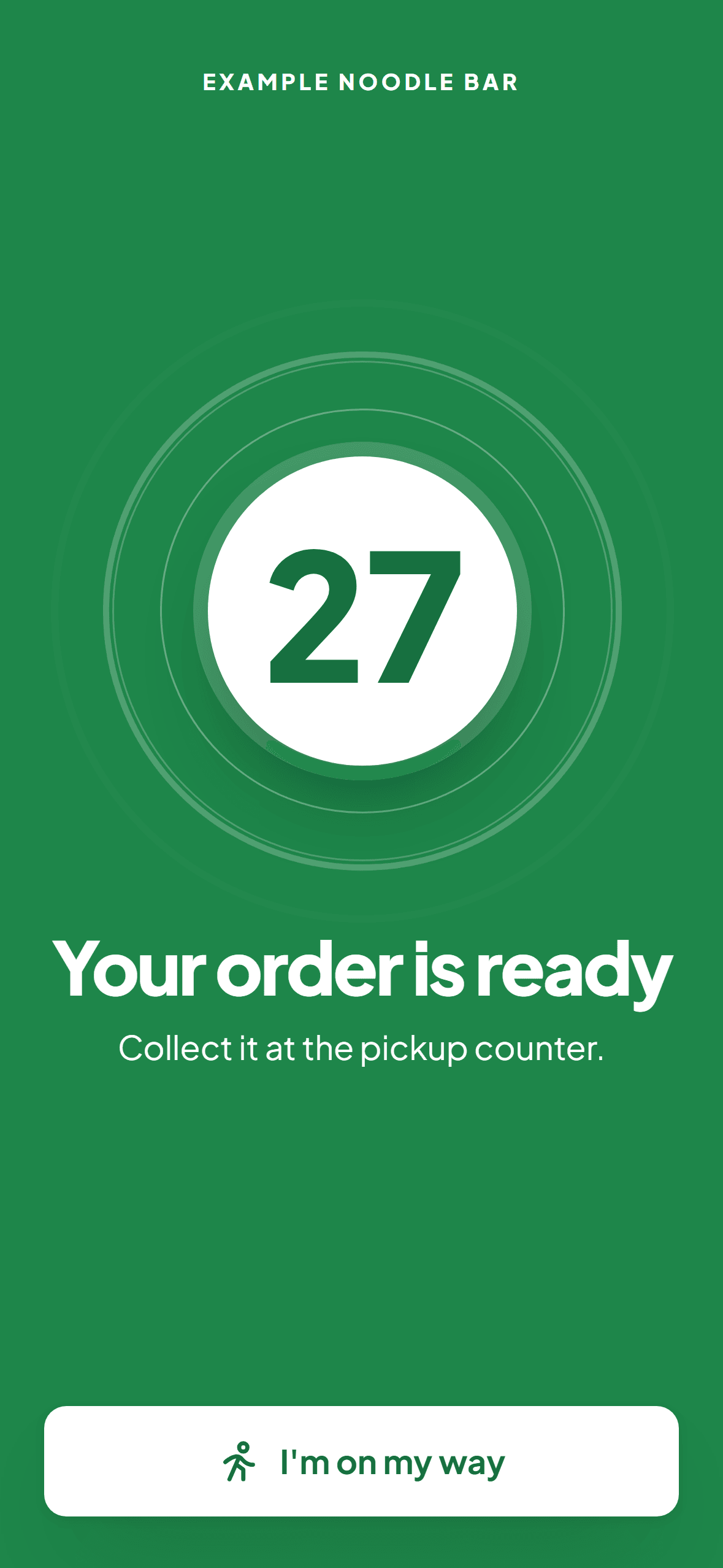
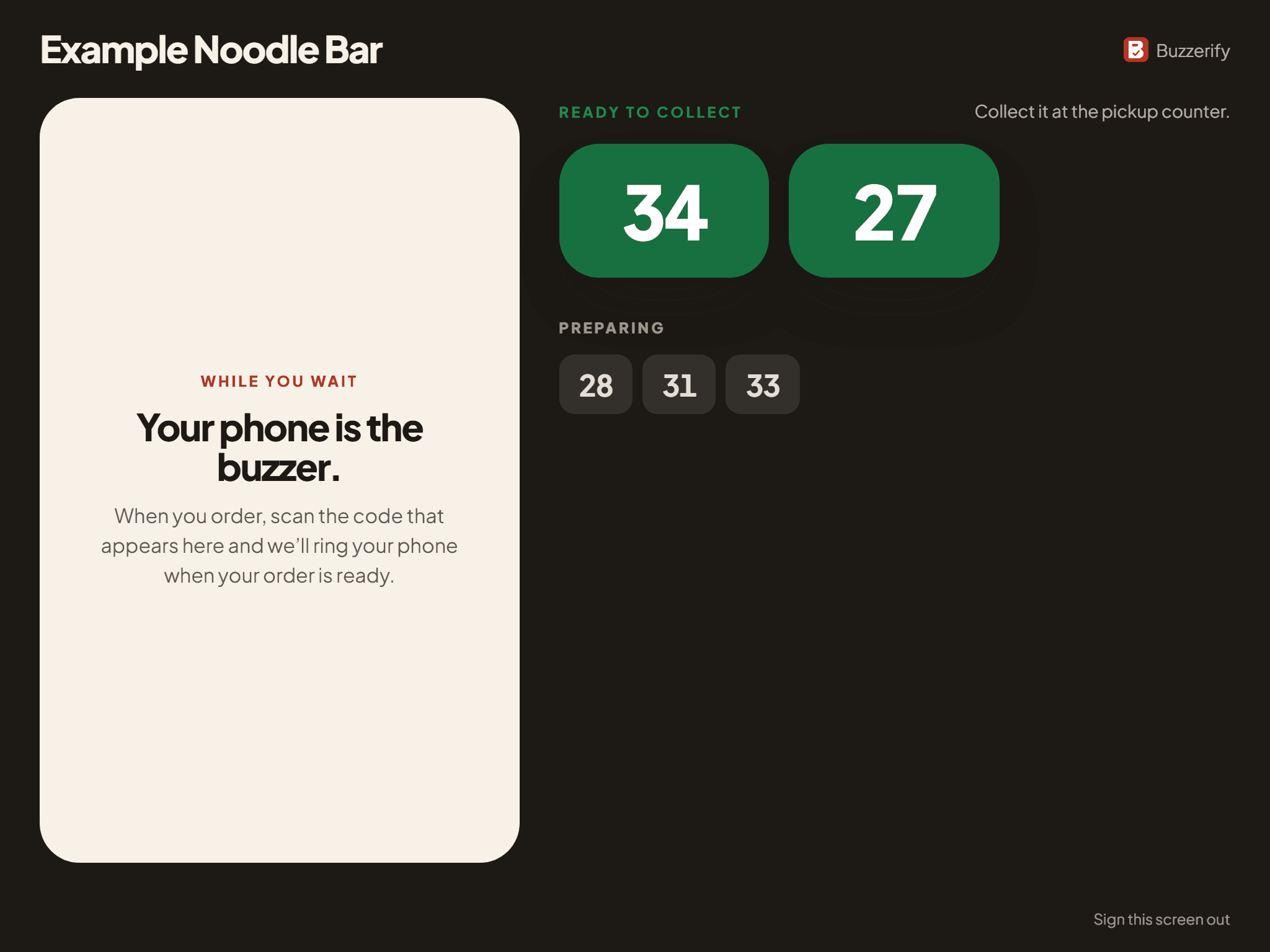
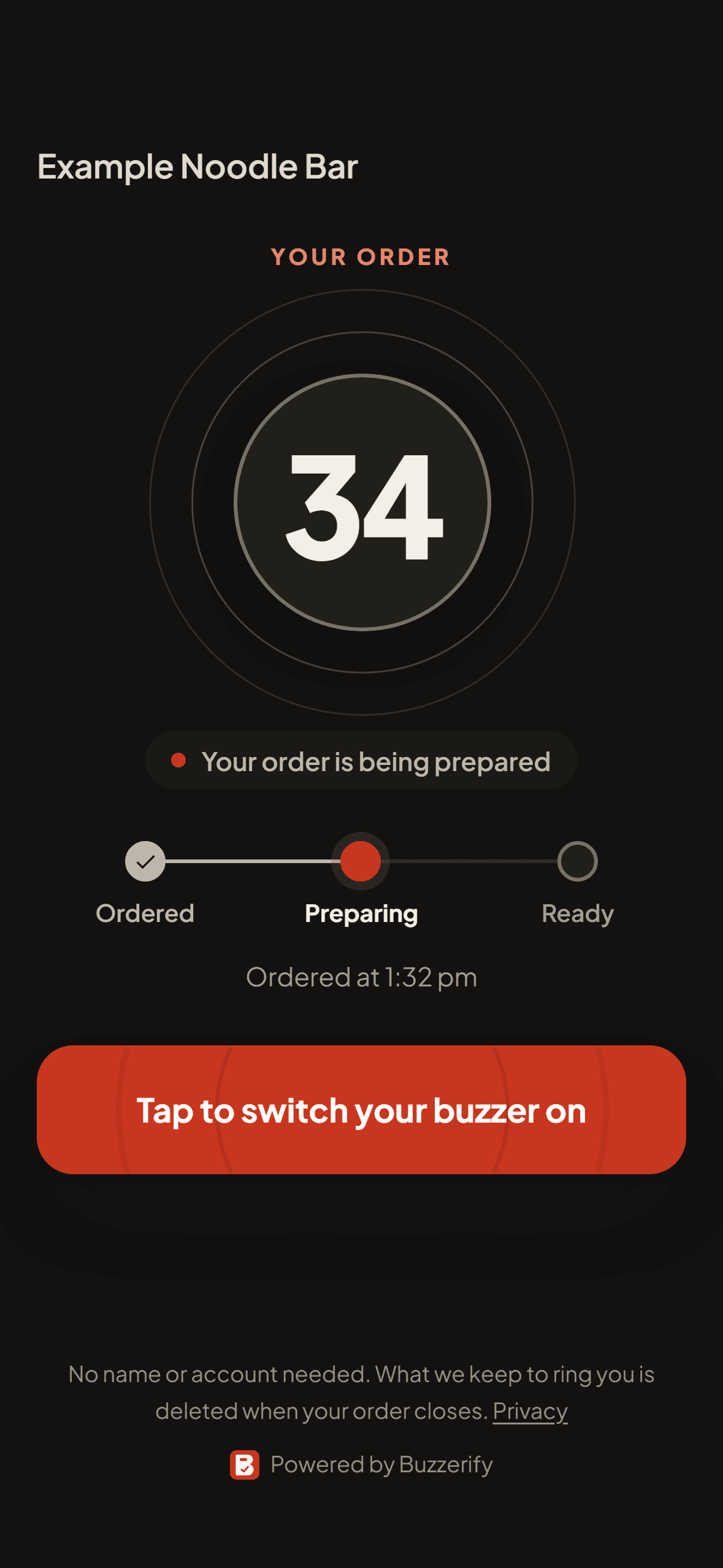
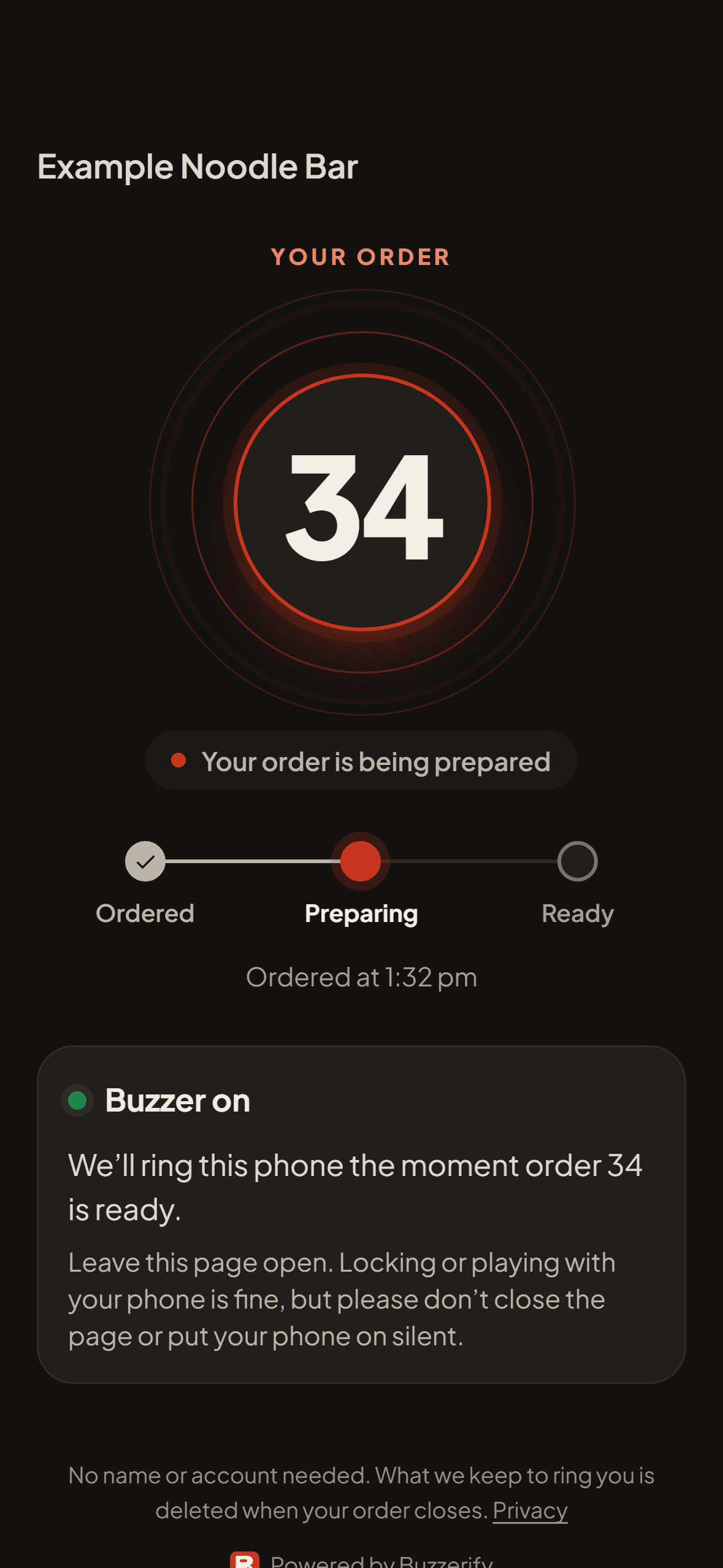
The counter screen shows a code for their order. Their phone becomes the buzzer, with no app and no sign-up.
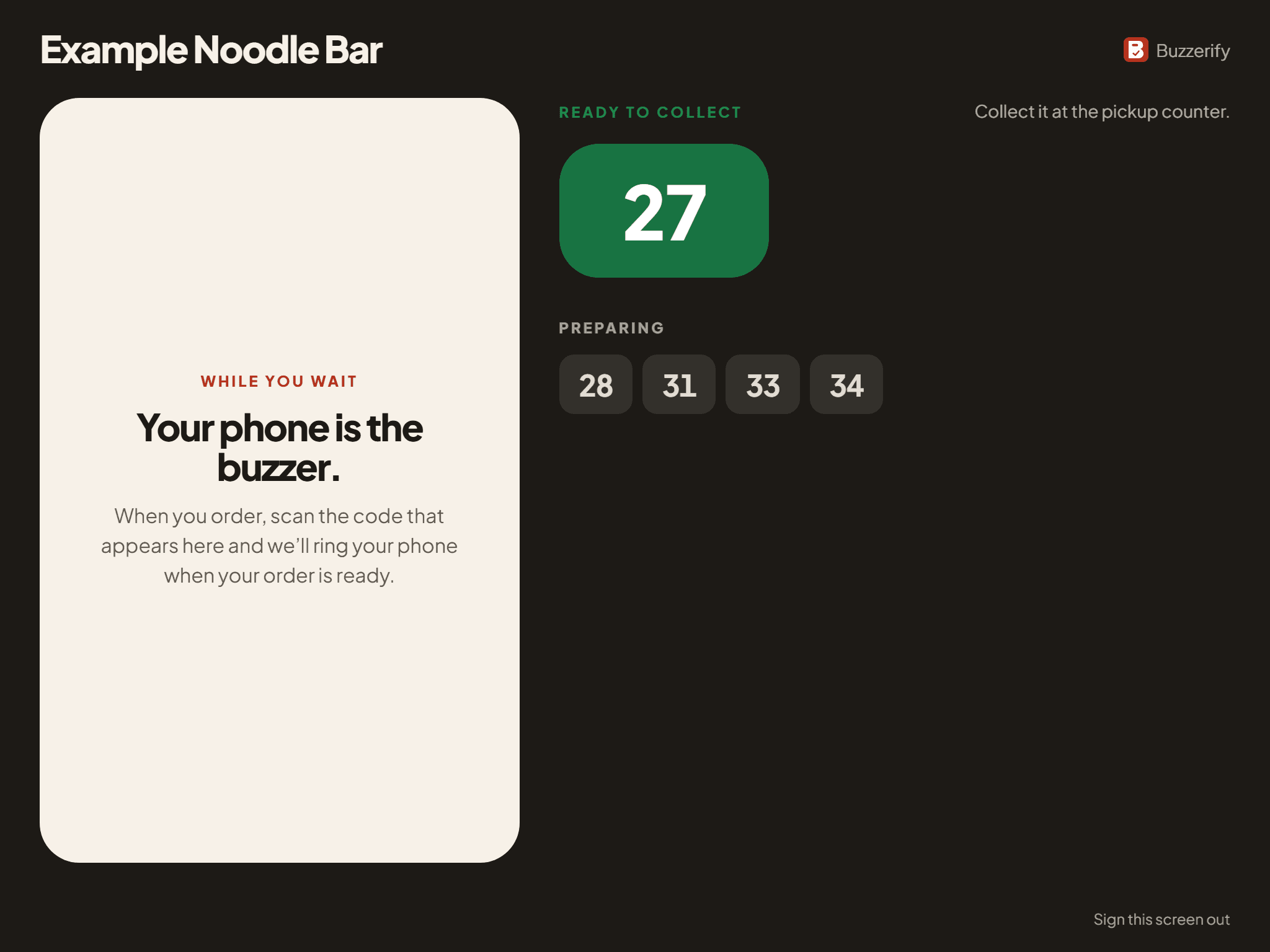
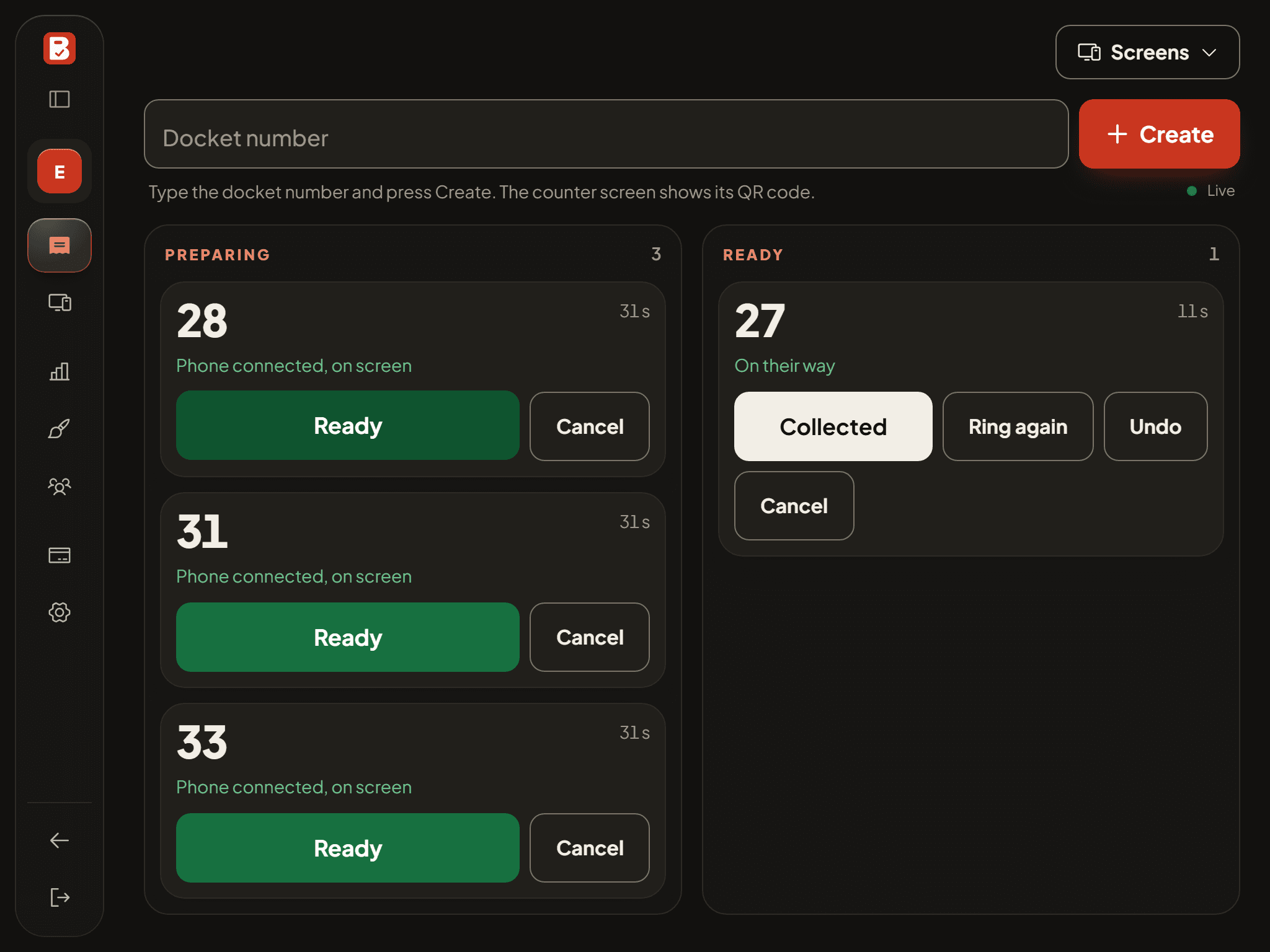
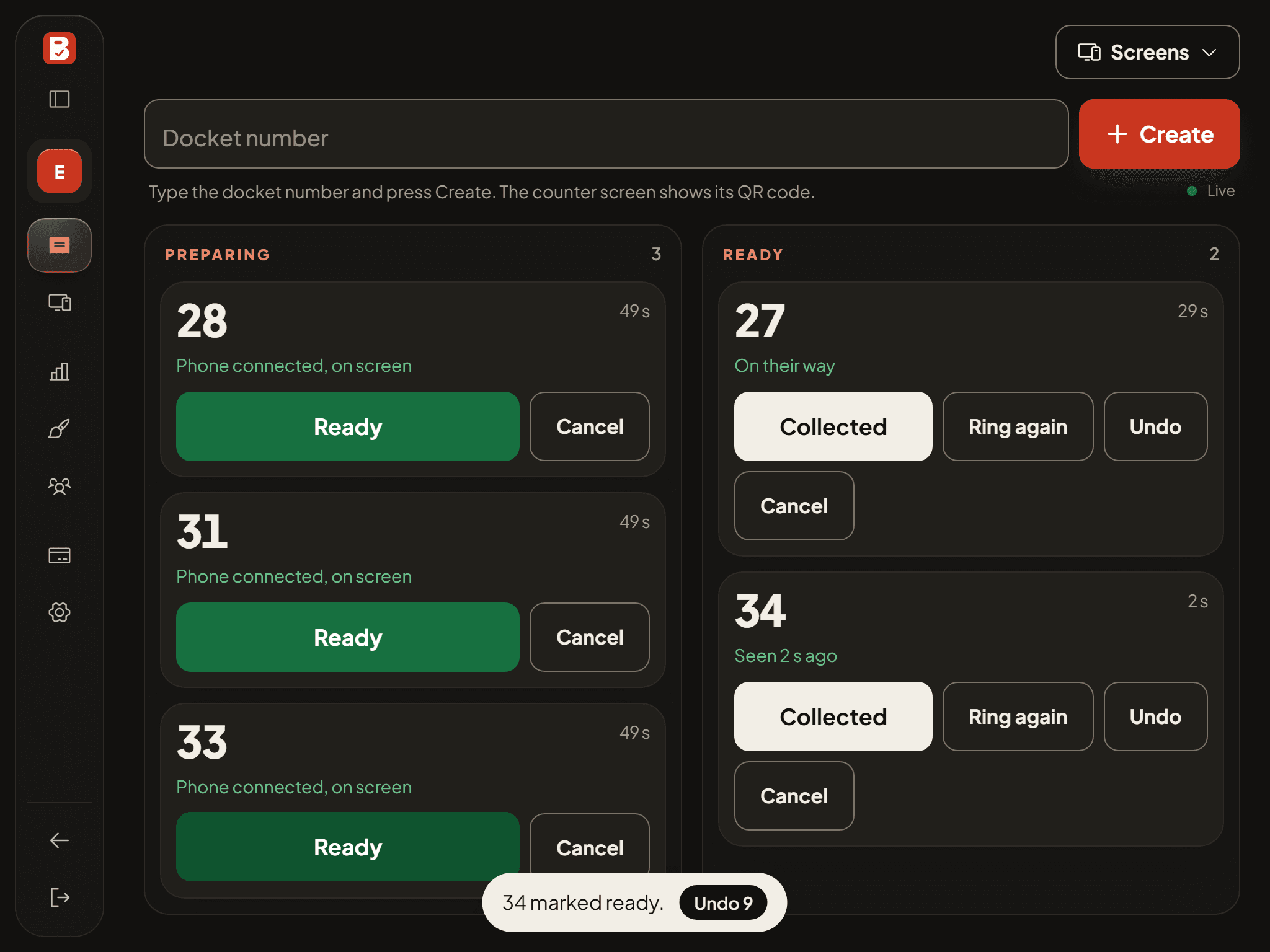
Tap Ready. Their phone rings.
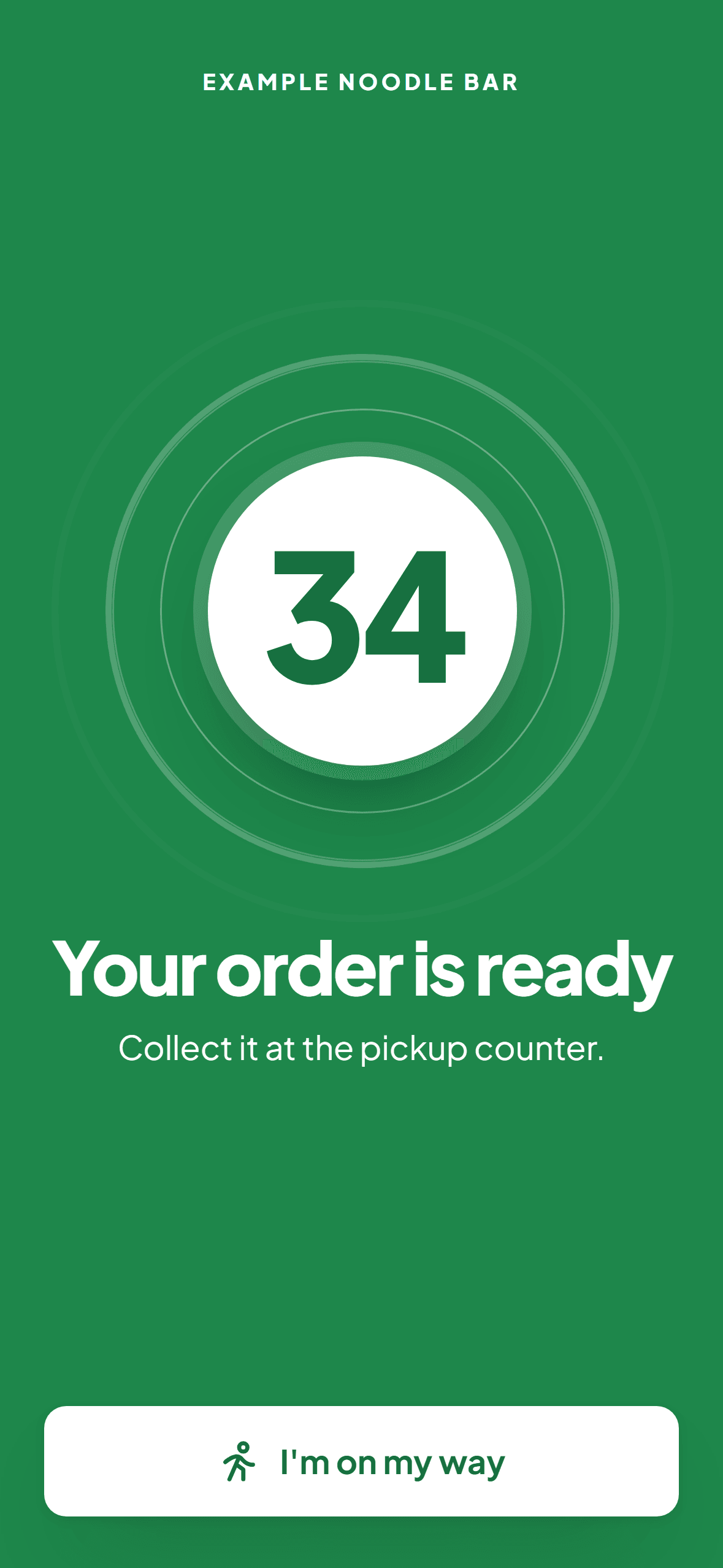
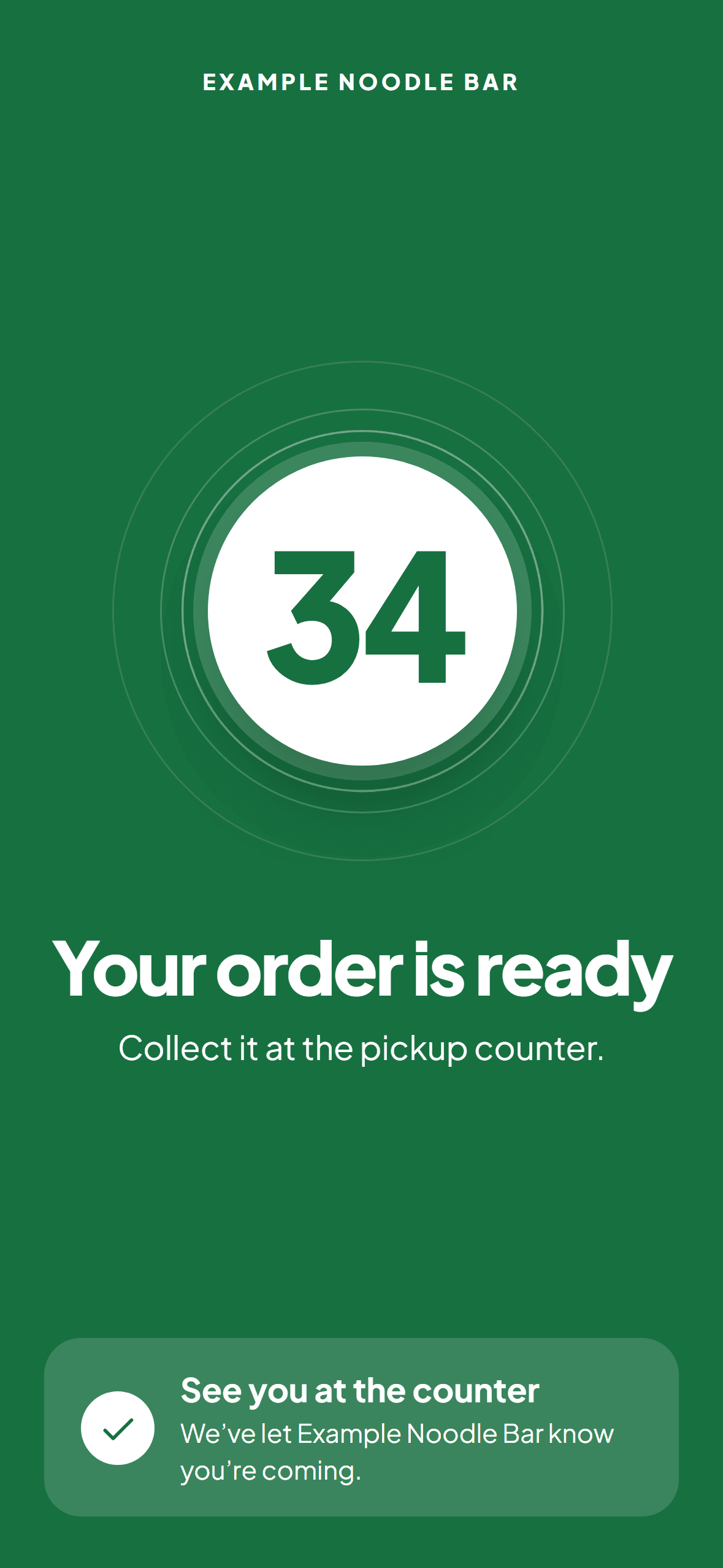
Their phone rings and turns green with their number. They tap I'm on my way, and your queue shows it.
Why venues switch
Nothing to buy
No pagers, chargers or base station. The tablet you already have runs it.
No limit on orders
As many orders at once as you take, not one per pager.
Nothing to lose
No pagers walking out the door, or flat at the lunch rush.
Your look, your links
Your logo, colours and links on every customer's phone, and a Google review ask after pickup.
One plan, two ways to pay
Everything is included either way. Prices include GST.
Both start with 14 days free and no card. Add your card before the trial ends to keep going.
Both plans include
- Up to 10 venues on one plan, each with its own queue
- Unlimited orders, every day
- Unlimited staff logins and counter screens
- The customer page, in the phone's own browser, with no app
- Android notifications and a printable poster
- Email support from the people who built it
Questions
Do customers need an app?
No. They scan the code with their camera and a page opens in their browser. No download, no account.
Does it ring when the phone is locked?
Yes, while the page stays open. If another app or a call takes its sound, the queue shows it, so staff can call the number out.
Does it work with my POS?
Yes, with any POS. Staff type the docket number from the receipt. There is nothing to connect.
What do I need at the counter?
The tablet or computer you already have, and any screen for the counter display, or a printed poster instead.
What does it cost?
A$39 a month or A$349 a year, GST included. 14 days free, no card.
More on the questions page.
Try Buzzerify free for 14 days.
Set up in minutes with the tablet you already have. No card needed.
Start free trial